Give repeat work a route.
Outline the trigger, the information needed and the next action. Start with a process your team already understands.
A new AIZEN experience for designing repeatable workflows—with clear steps, visible decisions and a human in control.
Connect the steps. Keep the judgment. Move your work forward.
Explore the workflow →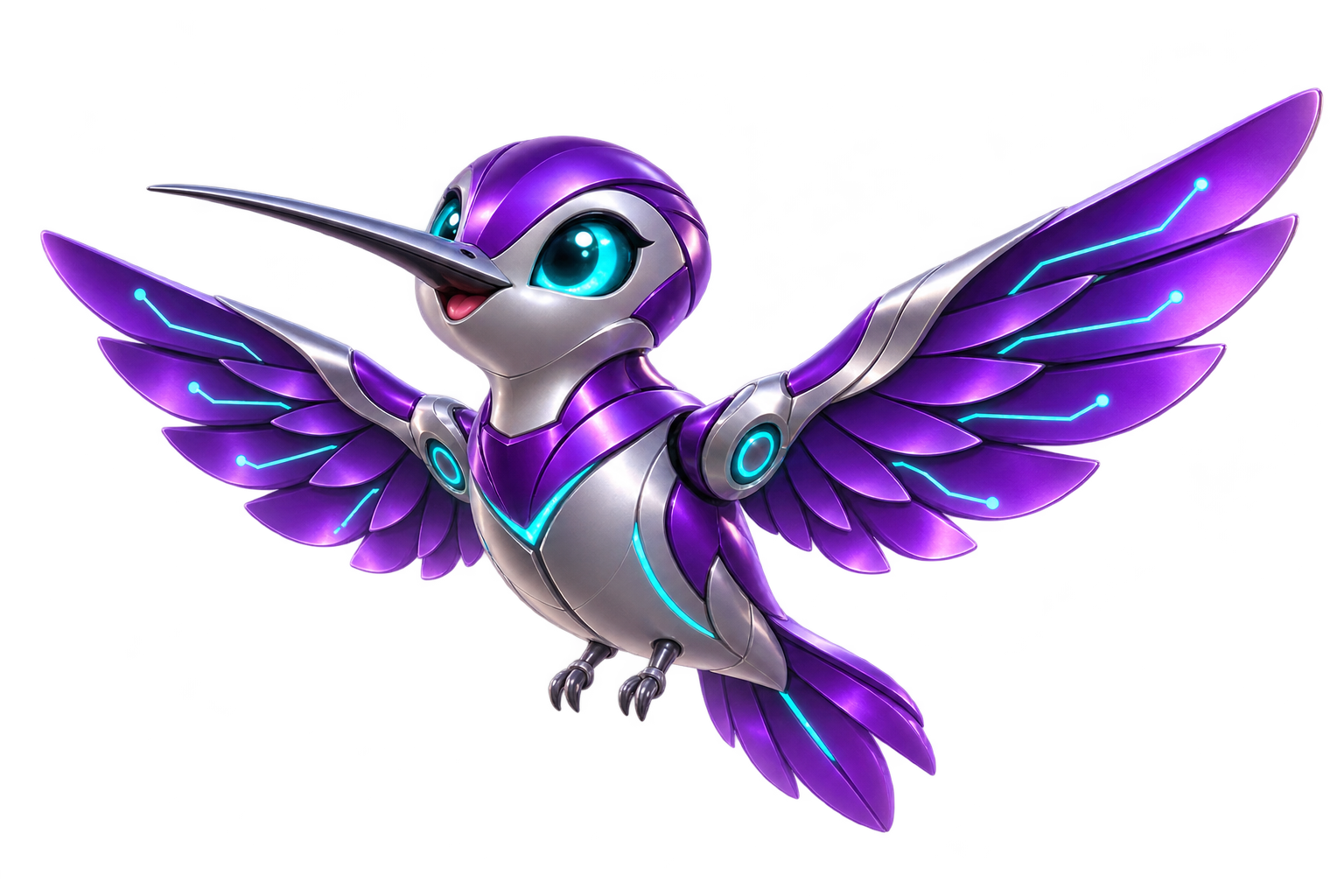
Outline the trigger, the information needed and the next action. Start with a process your team already understands.
Design approval points for decisions that need a person. Make ownership and exceptions visible.
Plan a clear outcome and a way to review it. The first version starts with workflow design; connected execution comes later.
Try an illustrative workflow below. This simulation runs only on this page and does not connect services or send messages.
A robotic hummingbird with purple wings and cyan accents—a distinct companion for AIZEN AUTOMATE. Relay represents quick handoffs, purposeful movement and the small steps that keep a business moving.
Initial mascot and visual direction. This layout is a product concept; integrations, accounts, billing and live automation are not active.
Explore three examples, change the review step and inspect a simulated handoff. Everything stays on this page.
A planned workspace for reusable steps, owners and review points. This is the direction, not an active feature.
Service connections, permissions and run history need implementation and testing before workflows can act on real systems.
No. It illustrates a workflow on this page. It has no connected accounts and performs no external actions.
All are AIZEN LLC products. AUTOMATE focuses on repeatable workflows; CRM focuses on relationships and sales; OS focuses on business intelligence. A connection between them is not active in this preview.
The design starts with common patterns: a request, a review and a next step. Each business will need its own process rules and permissions before real automation is enabled.
Bring a repetitive task, a bottleneck or an idea. Help shape the first workflows for AIZEN AUTOMATE.
Talk to AIZEN ↗